Support
Support and stability
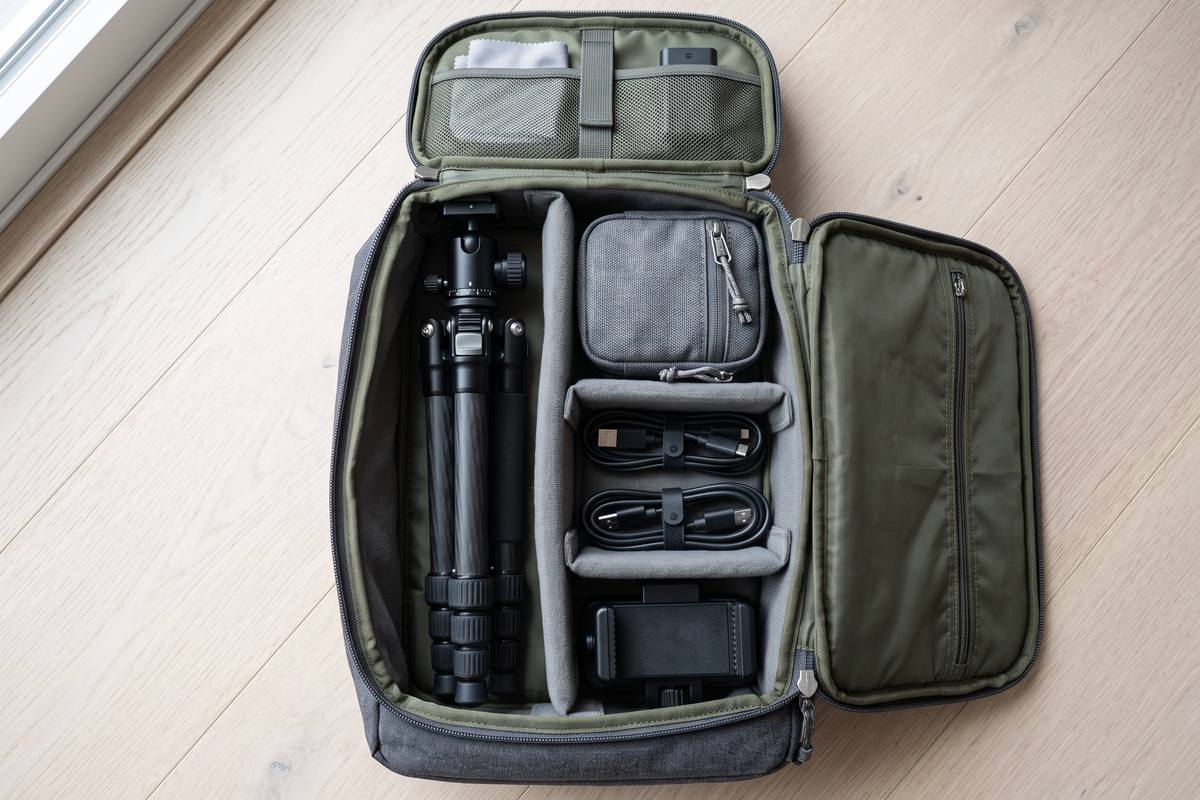
A small tripod with a phone clamp removes shake, frees both hands and makes repeat shots possible. It is the single most useful accessory in a phone kit.
Equipment for phone video
Most phone video kits are either a phone and nothing else, or a bag full of items used once. These guides describe the small set of accessories we carry every week — and the things worth leaving at home.
How we think about gear
Equipment is only worth carrying if it changes the result. We buy and use everything recommended here, and we describe the free option first in every guide.
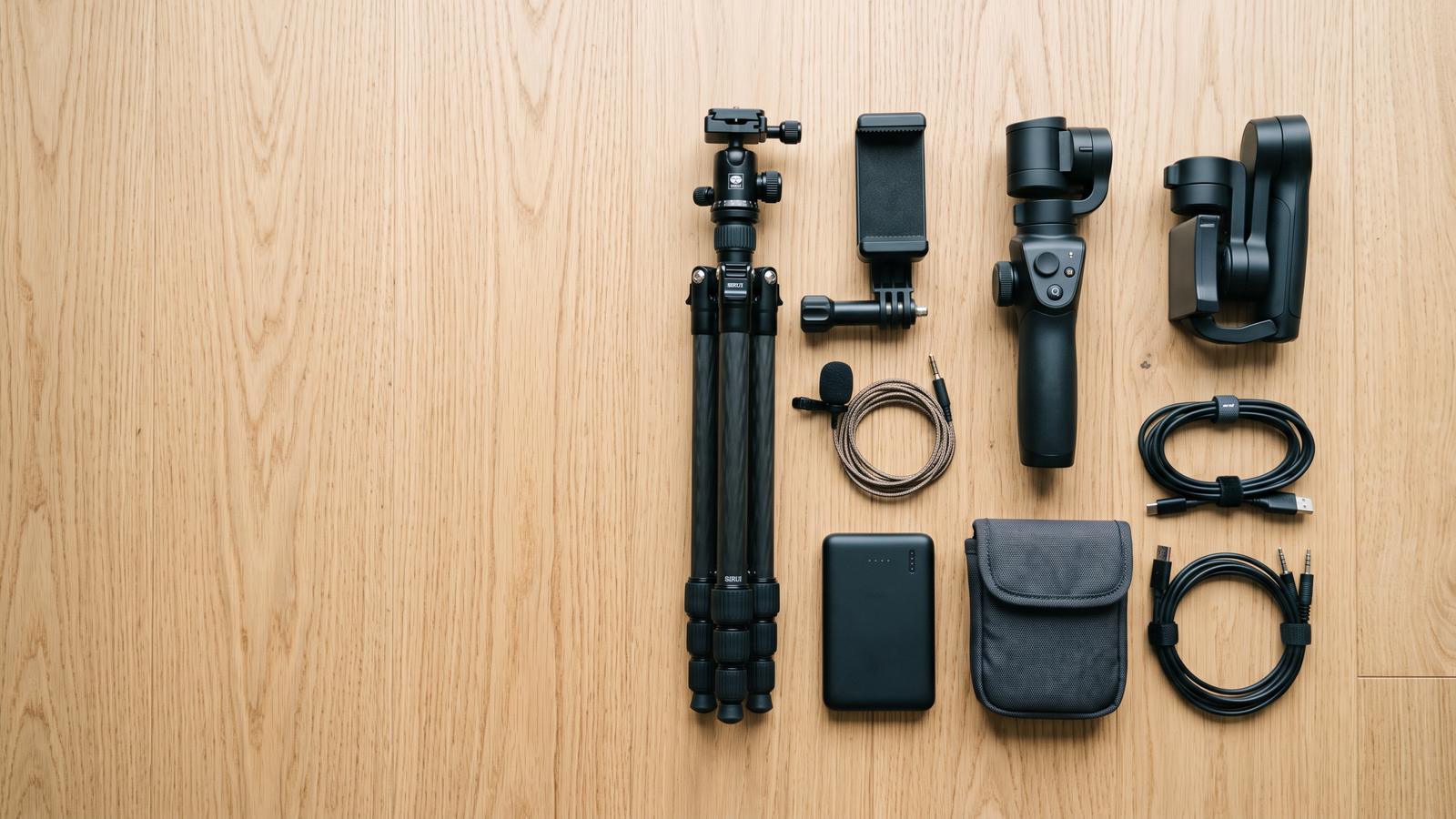
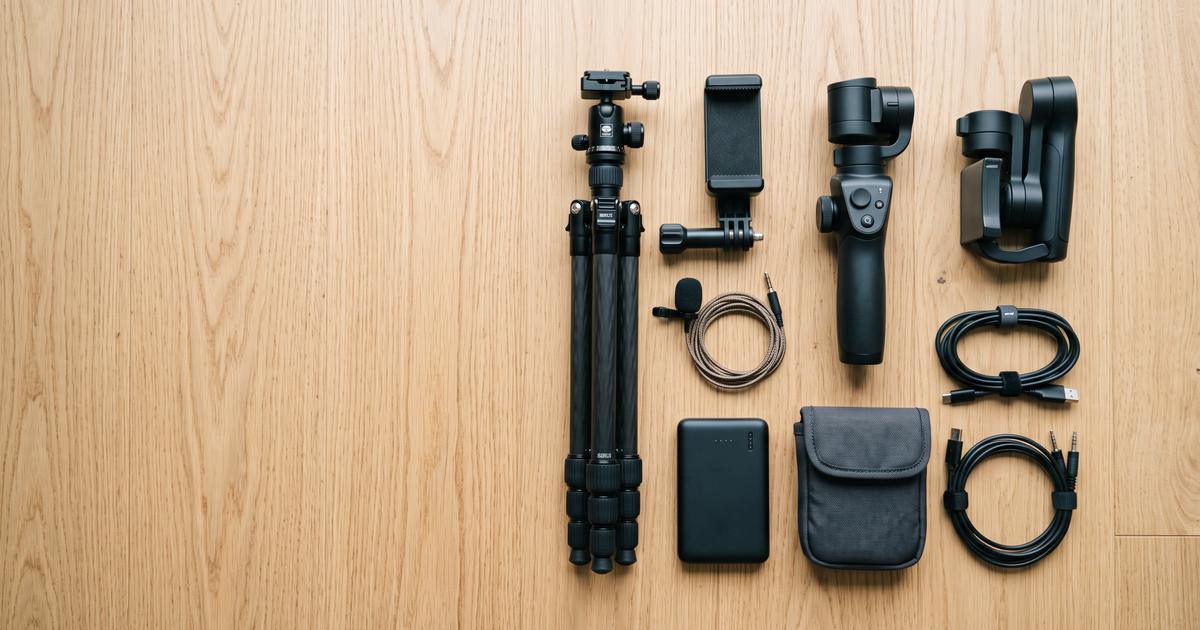
The kit we actually carry fits in a small shoulder bag: a phone, a compact tripod, a phone clamp, a small microphone, one cable and a power bank. Everything else is chosen per shoot.
That is deliberately modest. In our tests, support and audio make a visible difference to the finished video; most other accessories improve the experience of filming rather than the result.
The four categories
Group your thinking by category and the buying decisions become much smaller.
Support
A small tripod with a phone clamp removes shake, frees both hands and makes repeat shots possible. It is the single most useful accessory in a phone kit.
Audio
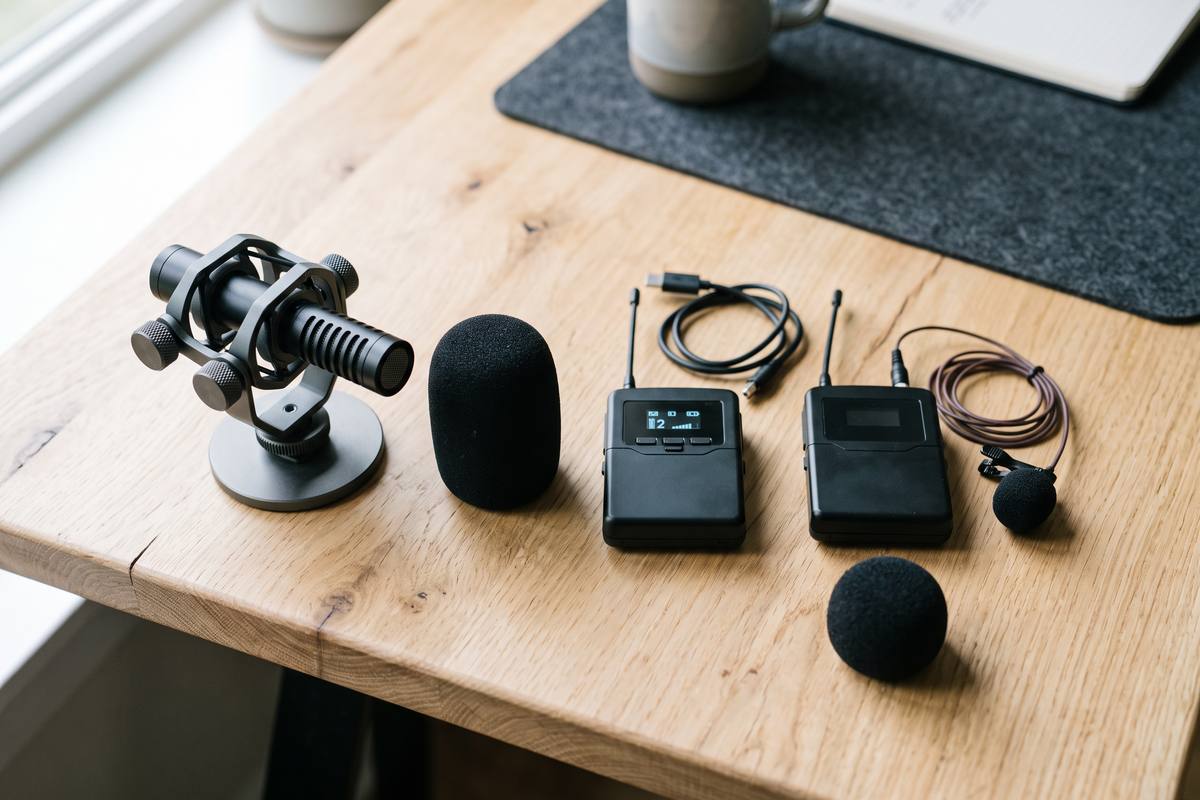
Phone microphones are excellent for ambience and poor for voices at a distance. A clip-on microphone or a compact directional mic fixes the problem that viewers notice first.
Movement
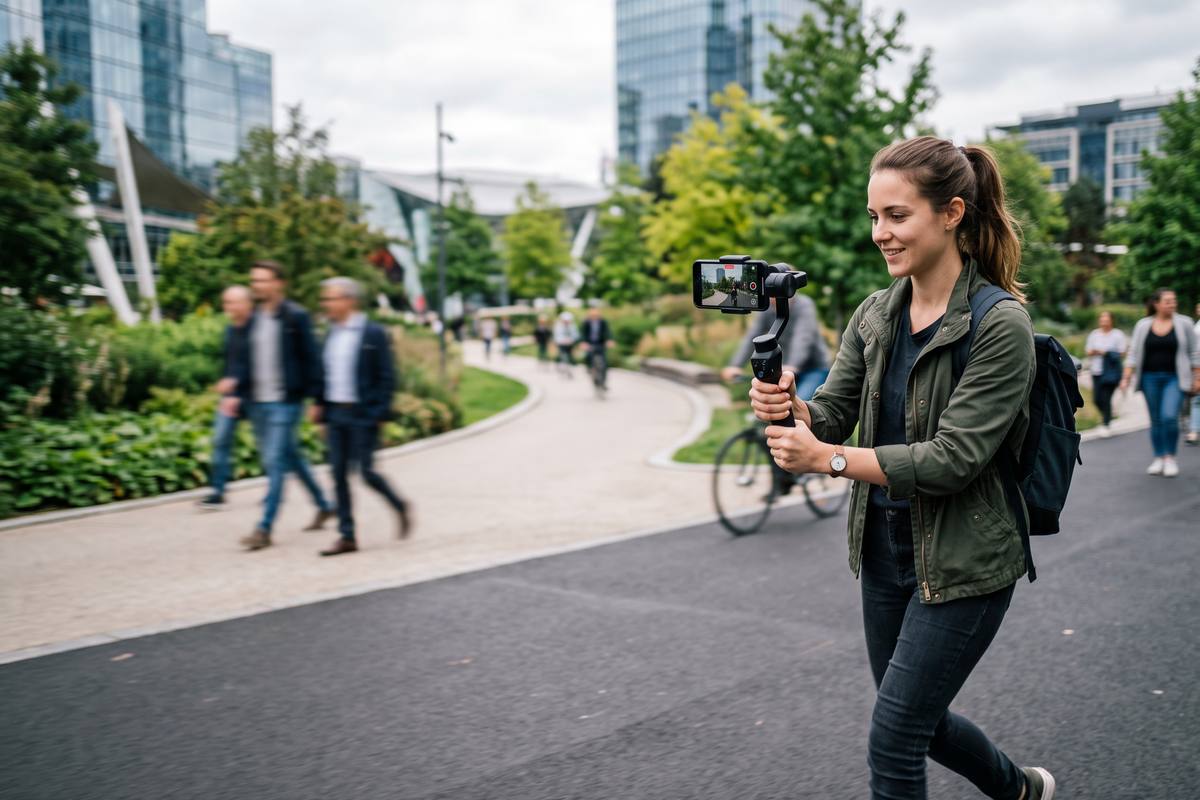
A gimbal earns its place only for walking shots and long continuous moves. For most other footage, technique removes more wobble than the device does.
Everything else
Batteries and cables fail more often than cameras. Two short cables, a power bank and a small pouch cost very little and prevent most cancelled shoots.
Pack list
This list fits in a bag the size of a laptop sleeve and covers almost every situation we encounter.
Support options
Support equipment is where most beginners overspend. Here is what each option solves and what it costs you.
| Option | Solves | Weight and speed | Use it when |
|---|---|---|---|
| Compact tripod | Shake, repeatability, hands-free framing | Light, sets up in under a minute | Almost every shoot, including talking clips and product shots |
| Mini table tripod | Low-angle shots and tabletop filming | Very light, fits a pocket | Product, food and detail footage |
| Handheld gimbal | Wobble during walking or continuous moves | Heavier, needs balancing and charging | Tours, walk-throughs and long continuous takes |
| Phone clamp on a rail | Smooth lateral movement without electronics | Moderate, needs a flat surface | Reveal shots and product movement |
| Bean bag or folded cloth | Emergency support on uneven surfaces | Almost nothing | Travel and improvised locations |
Buying order
First support, then audio, then light. Support changes every shot; audio changes how the video is received; light is the last thing that needs a purchase because rooms already contain more usable light than most people expect.
Gimbals, sliders and adapters come last, and only for a specific shot you are already planning to film. Buying movement tools before you know the shot is the most common way money disappears from a creator's budget.
Gear questions
Surprisingly little. A compact tripod, a phone clamp and a basic clip-on microphone cover the majority of improvements. Anything beyond that is better bought after you have filmed a few projects and know which problems keep appearing.
For close-up speech, a modest clip-on microphone placed correctly beats an expensive microphone placed badly. Placement is the variable that matters most.
Clip-on lenses can widen or magnify the view, but they reduce sharpness, add flare and rarely fit cases cleanly. Most creators are better served by moving closer.
Usually not at first. It adds weight, charging and setup time, and it does not fix a shot without a subject. Buy one when a planned project needs continuous movement.
Choose one cable per purpose, one support option per shoot type, and remove anything you have not used in three sessions. A lightweight kit gets carried, and a bag left at home is worth nothing.
Guides
Three guides that cover the whole kit: what to buy first, how to handle audio, and how to choose support equipment.
Gear basics
The smallest useful kit, the order to buy it in, and the accessories that quietly make footage worse.
Audio gear
Clip-on, directional or wireless: which microphone solves which problem, and why placement matters more than price.
Support
What each support solution fixes, how to choose between them, and the technique that removes wobble without either.
Suggestions
If an accessory has genuinely changed your footage, tell us about it. We test suggestions in real shoots and write up the ones that hold up.